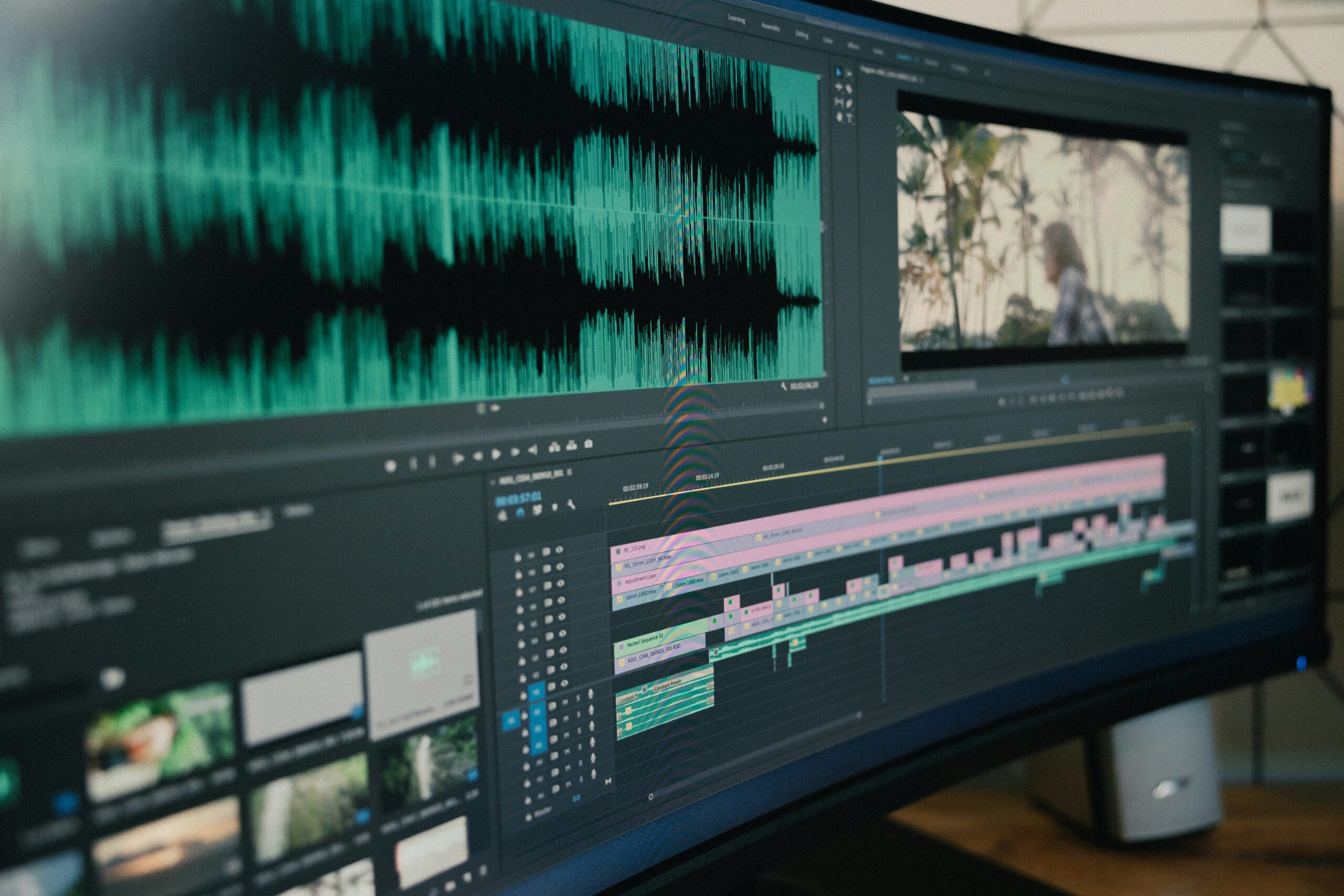
Imagine churning out awesome videos, but spending hours wrestling with complex software. Traditional video editing can feel like climbing a mountain. AI is here to change the game, and these tools are set to explode in popularity. We’ll explore the top 10 AI video editing tools for 2025, poised to revolutionize the industry with their efficiency and creativity.
Benefits of Using AI for Video Editing
Why should you care about AI in video editing? AI offers benefits like faster editing and reduces the time spent on tedious tasks. It also unlocks creative options you never thought possible, enhancing video quality. AI can make your videos look more polished without breaking the bank.
The AI video editing market is growing fast. The market size is projected to reach billions of dollars in the coming years. More and more people are adopting these tools. Investors are pouring money into AI video editing startups. Get ready because AI will change the whole video creation scene.
The Top 10 AI Video Editing Tools of 2025
Here’s a peek at ten AI video editing tools that are making waves right now.
Tool #10: Nero AI Video Upscaler
Nero AI Video Upscaler is a tool designed to enhance the quality of low-resolution videos. It uses AI to upscale videos to higher resolutions while preserving detail.
Key Features: AI-powered upscaling, noise reduction, detail enhancement, and batch processing. It is useful when you need to breathe new life into old video footage.
Tool #9: Movavi Video Editor Plus
Movavi Video Editor Plus is a desktop video editor that integrates AI features to streamline the editing process. It offers a balance of ease of use and powerful functionality.
Key Features: AI-powered background removal, automatic video stabilization, smart montage, and special effects. The automatic video stabilization can save shaky footage, making it look smooth and professional.
Tool #8: Kapwing
Kapwing is a collaborative, online video editor that offers a variety of AI tools to enhance your videos. It’s popular among social media creators, marketers, and educators.
Key Features: Smart cut tool, automatic subtitle generation, AI image generation, and team collaboration features. Its collaboration features are great for teams working together on video projects.
Tool #7: VEED.IO
VEED.IO is a simple, online video editor with a range of AI-powered features. It’s designed to be accessible to beginners while still offering powerful tools for more experienced editors.
Key Features: Automatic subtitle generation, background noise removal, video translation, and social media optimization. The noise reduction tool can make a huge difference in the audio quality of your videos.
Tool #6: Wisecut
Wisecut focuses on automating the editing process for talking-head videos. It uses AI to remove silences, add background music, and create engaging transitions.
Key Features: Automatic silence removal, smart zoom, background music integration, and subtitle generation. It’s perfect for podcasters, educators, and anyone who wants to create polished talking-head videos quickly.
Tool #5: Lumen5
Lumen5 helps you create engaging video content for social media and marketing. It automates the process of turning blog posts and articles into videos.
Key Features: Text-to-video conversion, drag-and-drop interface, customizable templates, and media library integration. This makes creating videos a breeze, even if you don’t have any prior video editing experience.
Tool #4: Synthesia
Synthesia is a platform for creating AI-generated videos with realistic avatars. You can create professional-looking training videos, marketing materials, or explainer videos without needing actors or a studio.
Key Features: AI avatars, text-to-speech, customizable templates, and multi-language support. The AI avatars bring a human touch to your videos, even without real people involved.
Tool #3: Pictory AI
Pictory AI specializes in turning long-form content into short, engaging videos for social media. It uses AI to automatically identify key moments and create visually appealing clips.
Key Features: Text-to-video conversion, automatic highlight selection, brand customization, and social media integration. It can transform blog posts or articles into captivating videos, perfect for platforms like TikTok or Instagram.
Tool #2: Descript
Descript is a powerful audio and video editor that focuses on simplifying the editing process with a transcript-based workflow. It’s ideal for podcasters, YouTubers, and anyone who creates content with a strong audio component.
Key Features: Automatic transcription, screen recording, audio editing, video editing, and collaboration tools. Automatic transcription is a standout feature, making editing as easy as editing text.
Tool #1: RunwayML Gen-2
RunwayML Gen-2 is a web-based AI tool that lets you create videos from text descriptions, images, or even other videos. You can use it to generate new content, transform existing footage, and apply various visual effects.
Key Features: Text-to-video generation, image-to-video generation, style transfer, inpainting, and motion tracking. Its text-to-video feature lets you bring your creative ideas to life, while the image-to-video function turns still images into dynamic scenes.

Choosing the Right AI Video Editing Tool
With all these AI video editing tools out there, how do you pick the right one? Here are some tips.
Identifying Your Needs and Goals
What kind of videos are you making? Are they short social media clips, long-form documentaries, or something in between? What’s your skill level? Are you a beginner or an experienced editor? What’s your budget? Are you looking for a free tool or are you willing to pay for a premium one? Answering these questions will help you narrow down your options.
Key Factors to Consider
Consider these elements when picking a video editor. You must consider the ease of use. How intuitive is the interface? Is it easy to learn? Do you want basic editing features or more advanced options? What kind of file formats does the tool support? Will it work with the footage you’re using? Does the tool offer collaboration features? Can multiple people work on the same project?
Make the best choice
AI video editing tools are changing how videos are made. They’re making it easier, faster, and more affordable for anyone to create professional-looking videos. As these tools continue to evolve, expect even more creative possibilities in the future. Are you ready to embrace the future of video editing?
Image by Jakob Owens on unsplash.com